
Landing Pages
How to Build a Creator Landing Page That Converts
One link, every platform, no code. Here's exactly what to put on your creator landing page and why it works.
Why "Link in Bio" Isn't Enough
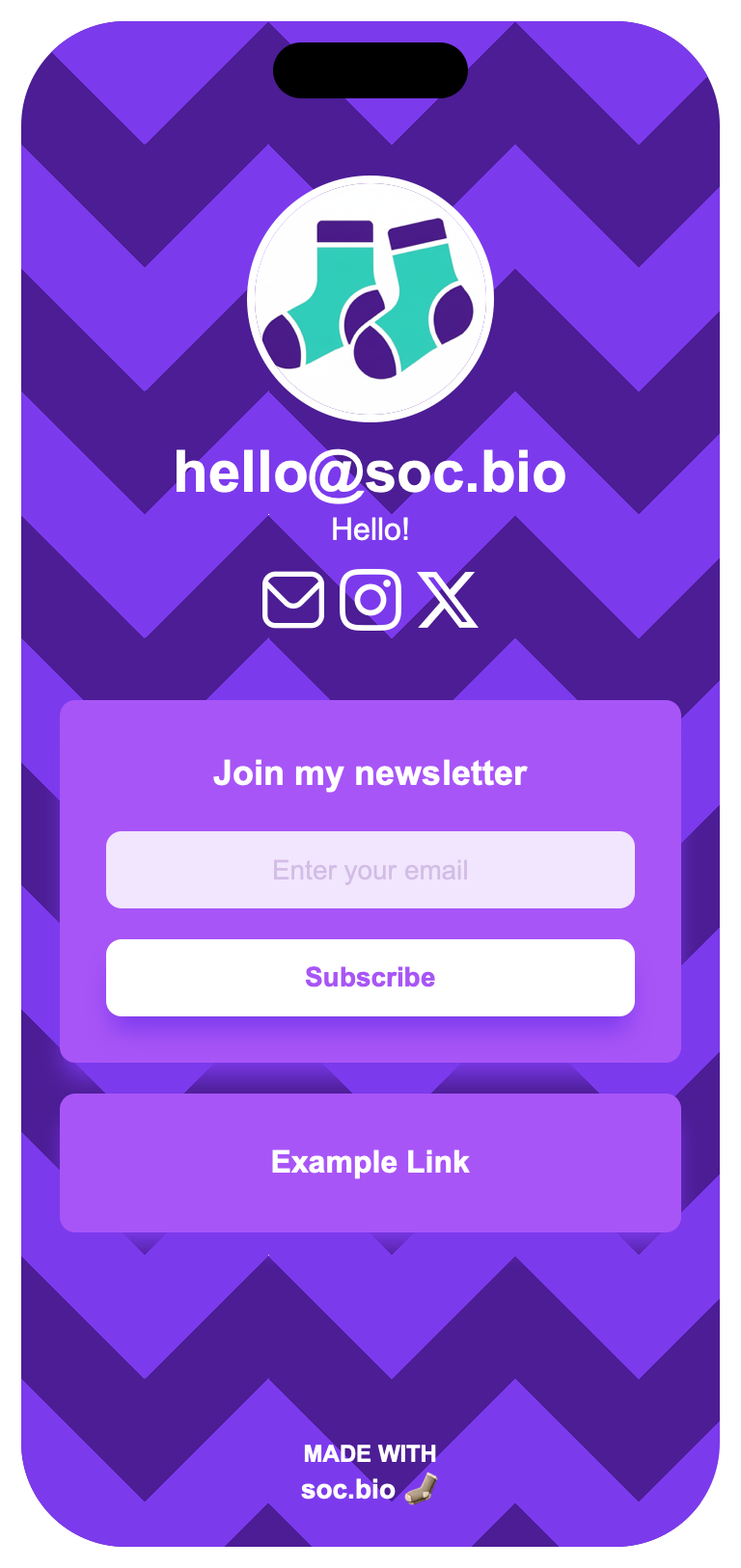
Most platforms give creators exactly one link in their profile. But you're rarely promoting just one thing — a new video, a merch drop, a newsletter, a Discord. Every time your focus shifts, you either overwrite that link and lose the last thing you promoted, or you leave it stale. A creator landing page fixes this: one permanent link that always points to everything you're doing right now.
What to Include on Your Page
You don't need everything below on day one — start simple and add sections as your audience grows.
-
🖼️
A profile photo and short headline
A face and a one-line description of what you do build instant recognition and trust.
-
📝
A bio that's actually searchable
A couple of sentences about who you are and what you make — this text gets indexed by Google, so it helps new fans discover you outside the app.
-
🔗
Every platform you're active on
YouTube, TikTok, Instagram, Substack, Etsy, Spotify — one tap sends fans exactly where you want them.
-
📩
A way to capture emails
Followers can disappear when a platform changes its algorithm. An email list is the one audience you actually own.
-
🎨
A design that matches your brand
Colors, button styles, and fonts that feel like "you" — not a generic template everyone else is using.
-
🖼️
A carousel for anything with multiple photos
Product shots, portfolio pieces, or event flyers — group related images into one swipeable carousel instead of a long stack of buttons.
Building Your Page in 5 Steps
-
1
Claim your URL
Pick a name that matches your handle across platforms, so fans immediately recognize it.
-
2
Add your name, role, and bio
Keep it short — one line on what you do, one or two sentences on who you are.
-
3
Upload a profile photo
A real photo builds more trust than a logo, especially for personal brands.
-
4
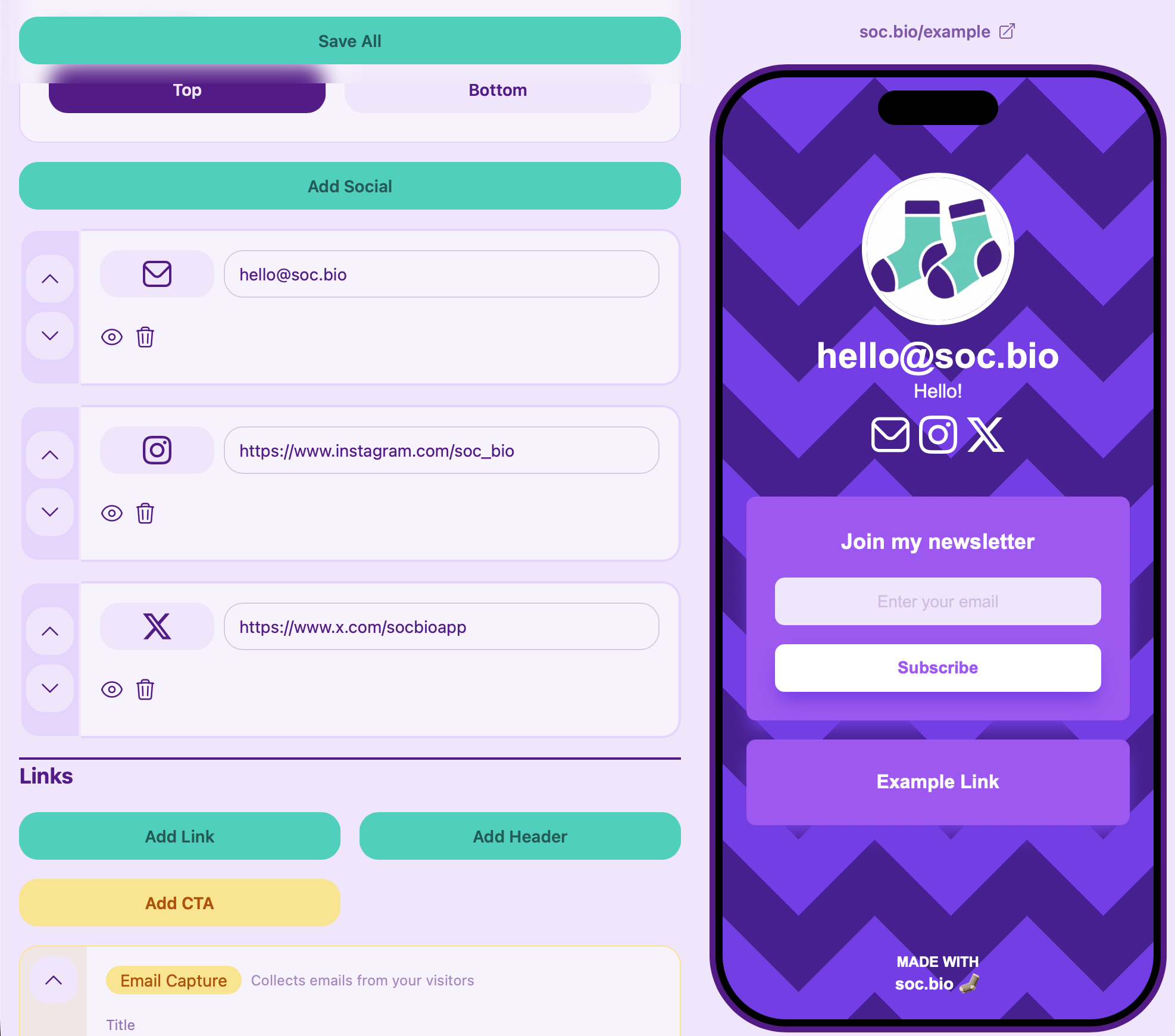
Add your links, top priority first
Lead with whatever you most want people to click right now — a new video, a drop, a signup form.
-
5
Match it to your brand
Adjust colors, button shape, and background style so the page feels like an extension of your content, not a generic template.
Common Questions
What is a creator landing page?
A creator landing page is a single webpage — usually linked from your social bios — that gathers your videos, shop, socials, and email signup in one place, so fans have one link to remember instead of five.
Do I need a website as a content creator?
Not necessarily a full website, but a landing page goes a long way. It gives you a home base you control, independent of any single platform, and it's far faster to set up than a traditional site.
Is it free to make a landing page for creators?
Yes — soc.bio's free plan covers unlimited links, a mobile-friendly layout, and full design customization. Paid plans add analytics, email capture, and campaign redirects when you're ready to scale.
Can I use my own branding and colors?
Yes. You can set your background style, button shapes, colors, and shadows so your page feels like an extension of your brand rather than a generic template.
Want to start collecting emails from your new page?
Read: How to Add an Email Signup Form to Your Link in Bio →Browse more guides on growing your bio link.
See all guides →Your Creator Landing Page, Live in Minutes
Stop losing followers to a single, outdated bio link. Build a page that grows with every video, drop, and post.
Get Started for Free